
Kampala dust from KCCA roads and boda rides clogs MacBook keyboards fast – sticky keys, double typing, dead keys. Learn deep cleaning and when to replace.
Macbook Keyboard Deep Clean Kampala: Keyboard Issues in Kampala (2026)
| Symptom | Cause | Fix |
|---|---|---|
| Sticky key | Dust, crumbs | Compressed air, deep clean |
| Double typing | Switch | Top case service |
| Dead key | Liquid or wear | Keyboard replacement |
| No backlight | Cable | Cab
Macbook Keyboard Deep Clean Kampala: How We Deep Cleanr> |
How We Deep Clean
- Compressed air at angle, not straight down.
- Isopropyl on lint-free cloth for surface.
- Keycap removal only with proper tools – we do not pop keys at home.
Why Kampala Dust Is Worse Than It Looks
Kampala’s combination of dry-season dust from unpaved roads and construction, together with fine particles kicked up by heavy traffic, does not just sit on top of your keyboard – it is pulled down through the gap between keys by the fans and settles on switches, contacts and the logic board. Over months that film turns tacky with hand oils and humidity, and you start getting the two classic faults: keys that stick partway, and keys that repeat letters when you only pressed once. Home wiping cleans the surface but never reaches the switch mechanism. A proper deep clean blows and brushes right down into the assembly, which is exactly the difference between a surface wipe and a 21-point cleaning.
Butterfly vs Scissor: Your Keyboard Type Matters
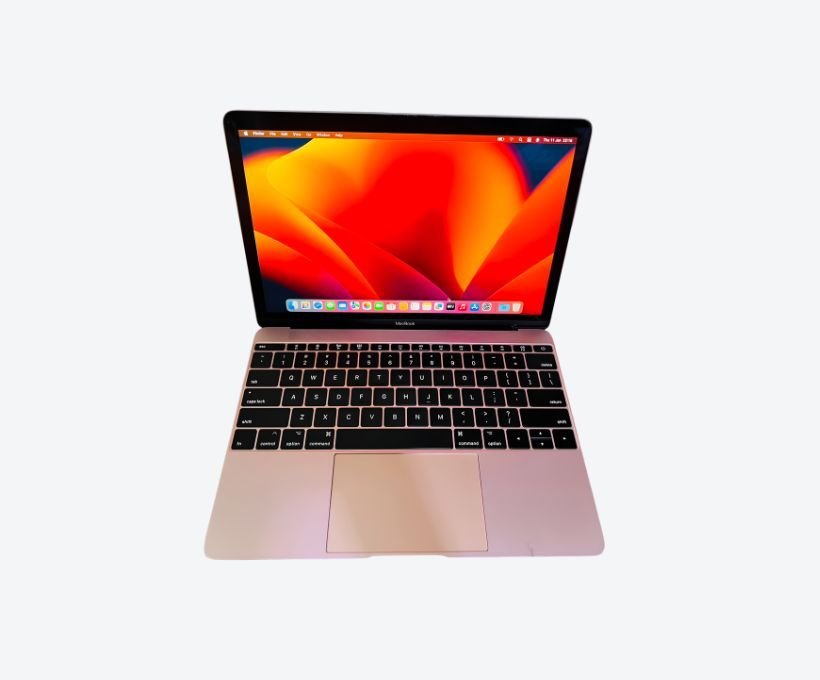
Older 2016-2019 MacBook Pros use the butterfly keyboard, which is famously delicate – dust and crumbs wedge underneath and the key response becomes unreliable, sometimes with no fix short of a top-case replacement. Newer M-series MacBooks return to scissor switches with deeper travel and far fewer repairs. The advice changes depending on which one you own: if you have a butterfly Mac, a good cover and regular compressed air are not optional, they are the difference between typing happily and booking a costly top-case swap. If you have scissor keys, the same care extends their life and keeps the typing feel crisp. We tell you your keyboard type and the practical risk on your model as part of the free inspection.
Sticky, Repeating or Dead: Reading the Signs
Not every keyboard fault needs a replacement, and guessing costs you money. A single sticky key after a drink spill near the laptop usually cleans out successfully if caught fast. Patterned repeating keys across several spots points to dust wedging switches, and deep cleaning often fixes them. A single dead key with no spill history can be a failed switch, while several dead keys along one row usually means a cable or board fault. Our technicians test every key before touching anything, work on the actual cause, and quote before replacing a top case. That way you never pay for a full keyboard when a clean or a connector fix was all that was required.
Where to Get Help
We clean and service at Majestic Plaza L5-07. See keyboard replacement, technician, MacBook Pro, and contact or reserve via WhatsApp.
Before You Decide – Quick Checklist
- Test every key once and note which stick.
- Try compressed air at 75 degrees.
- Check if liquid was involved – tell us honestly.
- Get 21-point check and quote.
- Confirm warranty on top case work.
Prevention in Kampala
Use a thin silicone cover, close lid on boda, clean monthly. We have saved many keyboards with a cover that costs UGX 20K vs UGX 600K replacement.
What Deep Clean Costs and How Long It Takes
A professional deep clean at Majestic Plaza L5-07 is scheduled around your day – most are done in about two hours, and same-day pickup is common when you arrive early. Keyboard-only cleaning is modestly priced, and a full interior clean (keyboard, vents, fans and board) costs more but also prevents the heat and battery problems dust causes further inside the machine. If cleaning alone does not fix sticking, the honest next step is testing switches and quoting a top-case service – you pay for nothing until you approve the written quote. Bring the Mac in the morning, get a free keyboard test, and leave with a typed test sheet showing every key responding.
Whatever you decide, keep one habit: never eat over the keyboard. It sounds trivial, but most of the sticky-key repairs we perform start exactly there.
Why Kampala Trusts MicroStar Andy for Mac Service
We have fixed Macs at Majestic Plaza L5-07, William Street, Kampala since 2004. Every repair follows a 21-point inspection, uses genuine parts, and carries a 3-month warranty. No fix, no fee diagnosis.
Frequently Asked Questions
Can I clean with water?
No – use isopropyl and compressed air only.
Will a cover overheat my Mac?
Thin covers are fine for typing; remove for heavy video work.
How long does replacement take?
Most top cases done in 24-48 hours with parts in stock.
Do you stock keyboards?
We stock common Air and Pro top cases in Kampala.
Book: Contact MicroStar Andy – reserve on WhatsApp.
Hello MicroStar Andy, my MacBook keys are sticky. Can I book a deep clean?
Written by the MicroStar Andy team – Mac repair specialists serving Kampala since 2004.