
A dull or tinted MacBook screen ruins color work for designers in Kampala. Learn calibration, common Retina faults and where to get honest repair.
Macbook Screen Calibration Repair Kampala: Screen Issues We See in Kampala (2026)
| Symptom | Likely cause | Fix |
|---|---|---|
| Yellow tint | Color profile | Recalibrate, reset profile |
| Dim even at 100% | Backlight or TrueTone | Diagnostic + backlight test |
| Spots, dead pixels | Panel | Full white/black test, replace if needed |
| Peeling coating | Staingate | Pan
Macbook Screen Calibration Repair Kampala: Calibration Steps You Can Do Nowe> Calibration Steps You Can Do Now
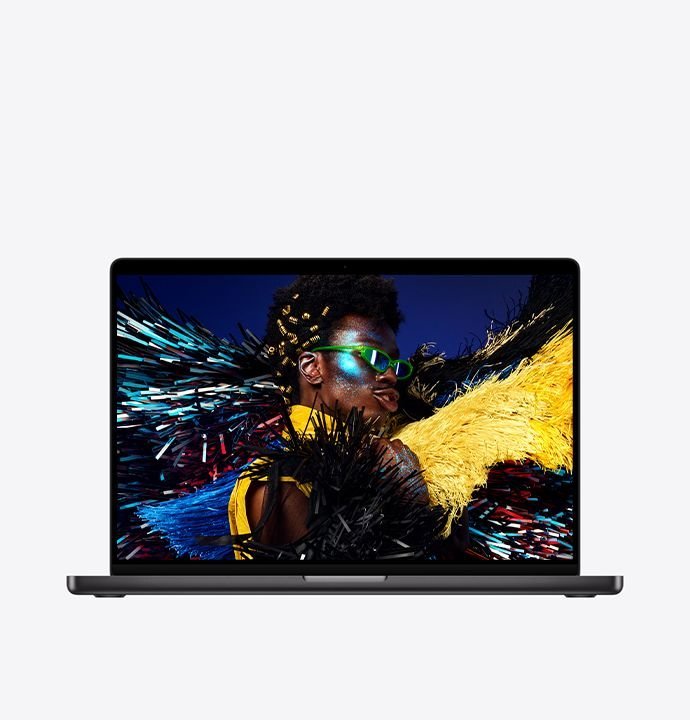
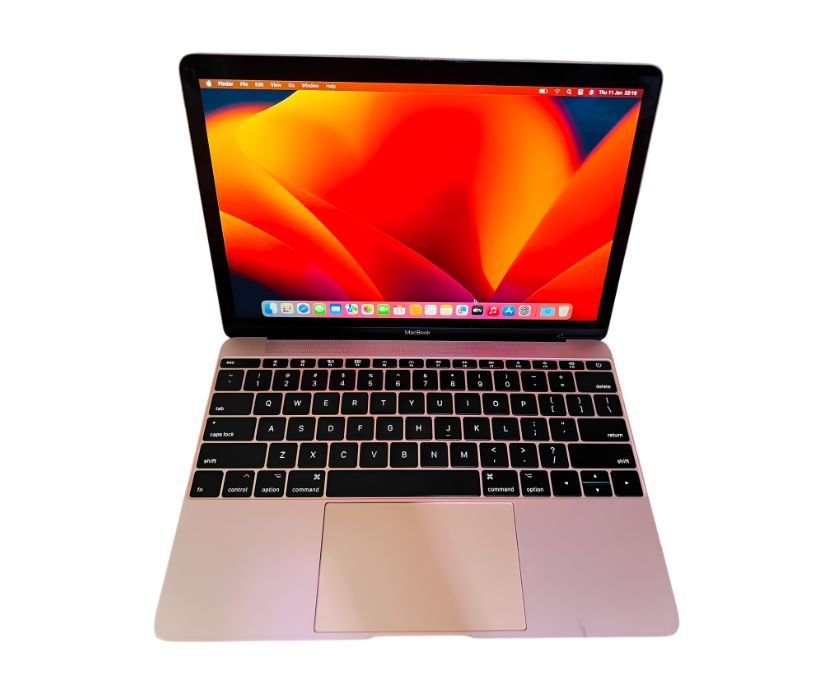
What Retina Screens Are Supposed to Look LikeApple calibrates Retina displays at the factory so whites stay neutral and colours hold across the full brightness range. If your MacBook’s screen looks yellow, blue, or washed out compared with a phone next to it, the first suspect is not the panel – it is a colour profile that changed, TrueTone fighting your environment, or a reshaped aftermarket panel. On a genuine Apple display, a full white screen should look the same from 40% to 100% brightness. When dimness or tint appears only after opening certain apps or plugging in an external monitor, it is a profile problem. When the whole panel is uniformly dim or has spots, it is hardware and worth a proper diagnostic. Aftermarket Screens and the Kampala TrapKampala’s Mac trade is full of MacBooks whose screens were replaced years ago with cheap aftermarket panels. Those panels often look acceptable in the shop and then disappoint a designer at home – colours shift, brightness drops, and black levels wash out. This is exactly why a 21-point inspection matters before you trust what you see. At MicroStar Andy we verify panel serialisation against the unit, test full white and black screens, check for colour banding on gradients, and assess TrueTone compatibility. If your Mac is one of the many running an aftermarket panel, we will tell you honestly and quote an original replacement if your work depends on accurate colour. Repairs That Are Actually CommonBeyond calibration, the four repairs we perform most at Majestic Plaza are backlight failure (dim at 100%, a faded Apple logo), staingate coating peeling, hinge cracking, and dead pixel clusters from pressure during transport. Backlight faults usually trace to a cable or the display assembly; coating peeling means a full panel service; hinge issues are mechanical and often come from opening the lid one-handed. Each of these carries a 3-month warranty and a written quotation before any work begins, and we confirm the serial at checkcoverage.apple.com as part of the same visit. Where to Get Help in KampalaWe calibrate and repair at Majestic Plaza L5-07. See screen replacement, meet Andy, MacBook Pro for trade-in, and contact or reserve via WhatsApp. Before You Pay – Quick Checklist
Studio RealityDesigners in Kampala notice colour shift before anyone else. We see many “calibration” cases that are actually aftermarket screens washing out colour – our 21-point inspection verifies original displays. Calibrating for Print vs Screen WorkDifferent Kampala clients need different targets, and a good calibration respects that. If you design for social media, a well-managed profile matched to your phone gives you predictable results. If you print business cards, flyers or banners, you want your display aligned to the print shop’s workflow rather than chasing a profile that looks vivid on screen. Tell the technician what you produce – digital-first or print-first – and the calibration profile, brightness and even the room lighting advice will change. This is why we ask questions before touching System Settings: the right profile for a corporate-brand designer is wrong for a photographer editing on a bright verandah. How to Test Your Screen Before VisitingYou can diagnose most display problems in five minutes. Open a fully white image at full brightness and look for uniformity – dark corners usually mean an ageing backlight, while a single bright or dark dot cluster means pixels have died. Then open a pure black image in a dark room and check for glow at the edges or grey patches. Drag the same window across the full screen watching for wobble or colour shift. Finally, open a horizontal gradient and look for visible banding. Each of these cheap tests tells the technician what to look for, which shortens your diagnostic and gives you a tighter quote. Why Kampala Trusts MicroStar Andy for Mac ServiceWe have fixed Macs at Majestic Plaza L5-07, William Street, Kampala since 2004. Every repair follows a 21-point inspection, uses genuine parts, and carries a 3-month warranty. No fix, no fee diagnosis. Frequently Asked QuestionsIs TrueTone important?Yes – it keeps white balance natural under Kampala lighting changes. Can you fix Staingate peeling?Yes – we service coating and panel with 3-month warranty. Is calibration enough for print?For print, we calibrate to sRGB/AdobeRGB and verify with test prints. Do you have Retina panels in stock?We stock common Retina panels in Kampala – WhatsApp for current stock. Visit: Contact MicroStar Andy – reserve on WhatsApp. Hello MicroStar Andy, my MacBook screen looks dull. Can I book a calibration check? Written by the MicroStar Andy team – Mac repair specialists serving Kampala since 2004. Related Posts |