
A slow old Mac in Kampala does not need retirement – often it needs an SSD and RAM upgrade. Learn benefits, compatibility and where to get honest work.
Mac Ssd Ram Upgrade Benefits Kampala: Benefits in Kampala (2026)
| Upgrade | Gain | Cost (UGX) |
|---|---|---|
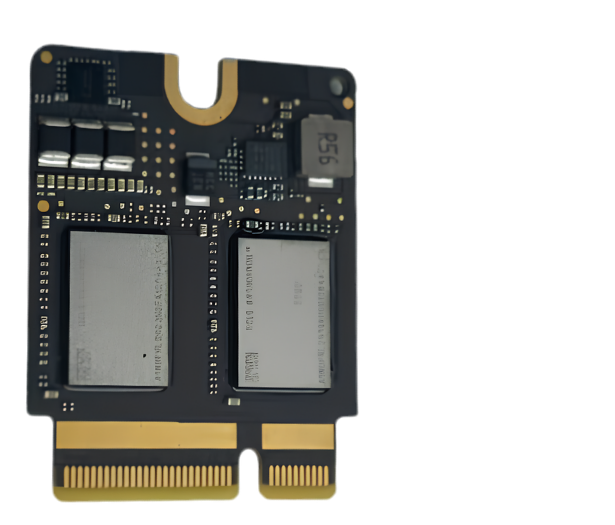
| HDD to SSD 512GB | 5x faster boot | 250K – 400K |
| 8GB to 16GB RAM | No beachball | 180K – 320K |
| Both | Feels like M1 for office | Mac Ssd Ram Upgrade Benefits Kampala: Compatibility Check
> |
Compatibility Check
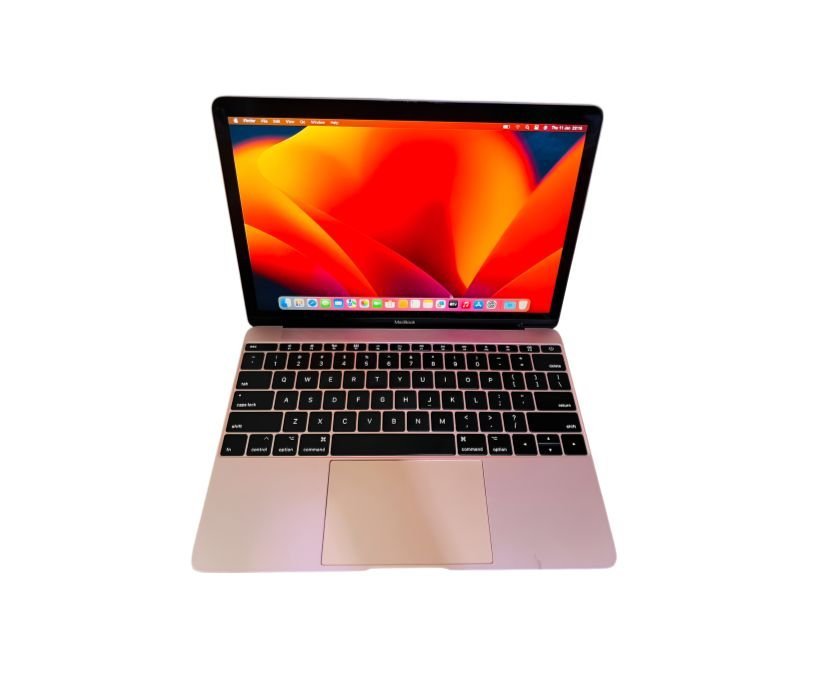
- 2017-2019 Intel MacBooks and iMacs – best candidates.
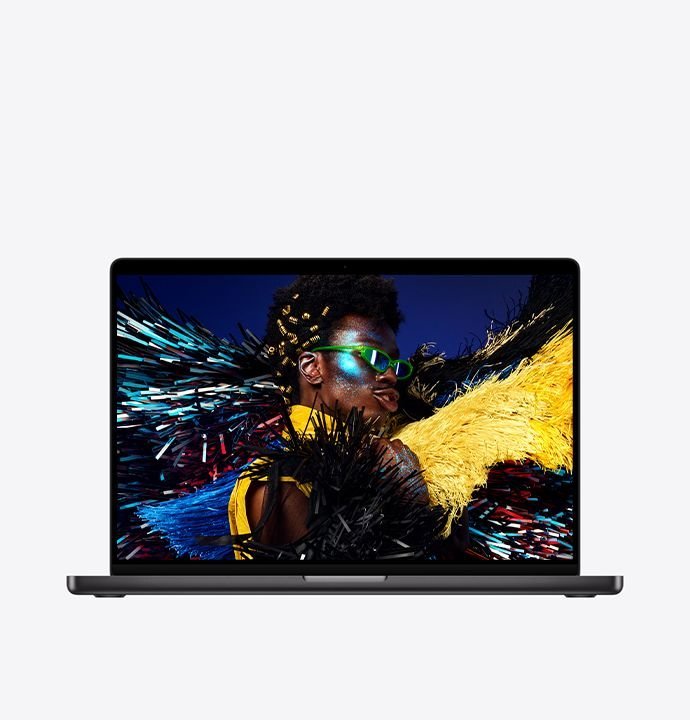
- M-series (M1/M2/M3) – RAM and SSD are soldered, not upgradable.
- Battery health – upgrade only if health >80% or replace too.
The 2017-2019 Age Problem in Kampala
Most of the Intel Macs still doing real work across Kampala’s offices and universities were bought between 2017 and 2019. They arrive at our workshop with the same complaint in different words: booting takes minutes, apps beachball, the machine is “finished”. In the vast majority of those cases the hardware is not dead – it is simply strangled by an old spinning hard drive and 8GB of RAM. Converting that HDD to an SSD gives the single biggest performance jump a computer can receive, often a five-times improvement in everyday use, and adding a second RAM stick of 8GB smoothens multitasking to the point that the machine genuinely feels like a much newer Mac for office workflows. Before you spend millions on a replacement, let us show you the upgrade path on your own machine.
M-Series Owners: The Honest Answer
If you are reading this on an M1, M2 or M3 Mac, the answer is different and we will say it plainly: your RAM and SSD are soldered to the board, so a traditional upgrade is not possible. That does not mean your visit is wasted – we can still check whether the machine’s slowness comes from a full SSD, thermal problems, too many login items, or a battery that is throttling performance. And when an M-series Mac genuinely needs more memory, the realistic path is a trade-in toward a higher-spec unit. Our shop will give you an honest trade value on your current Mac and put it toward the configuration you actually need, no pressure and no inflated promises.
Upgrade Steps and the Warranty That Comes With Them
A typical Intel upgrade at Majestic Plaza L5-07 follows a fixed sequence: free compatibility diagnostic, backup of your data, swap of the SSD and RAM, a clean install or a clone to your new drive, then a full performance test in front of you. Turnaround is same-day when parts are in stock. Everything fitted carries a written 3-month warranty, and your old data is preserved rather than wiped – we clone or back up first, then leave the machine booting from its new drive with your files where you expect them. That warranty and the documented process is the difference between a shop that swaps parts silently and a workshop that treats your data and your machine as though they were its own.
Where to Get Help
We check compatibility free at Majestic Plaza L5-07. See SSD and RAM upgrades, data recovery, MacBook Pro, and contact or reserve via WhatsApp.
Before You Decide – Quick Checklist
- Check Mac model year and chip at About This Mac.
- Run 21-point diagnostic for SSD health and RAM slots.
- Confirm parts in stock before paying.
- Back up with Time Machine before upgrade.
- Get 3-month warranty on parts and labour.
Kampala Value Logic
Upgrading for UGX 500K beats buying a new Mac for UGX 3M if your Mac is Intel 2017-2019 with good screen and battery. We have upgraded hundreds since 2004 and turn them around in a day.
When an Upgrade Is Not the Answer
An upgrade saves a good Mac but cannot save everything, and honest advice means saying so. If your Intel Mac already runs a failing battery, a cracked or badly coated screen and a keyboard with dead switches, spending on storage and RAM alone leaves you with a machine that is still unpleasant to use. In that case the smarter move is to compare the cost of a fully serviced machine against a trade-in toward a newer model, and we will walk you through both numbers on paper. We are equally honest in the other direction: for thousands of Kampala students and small offices, a UGX 500K upgrade instead of a UGX 3M purchase is the single smartest tech decision of the year, and that is the option most owners discover only after the free diagnostic.
Why Kampala Trusts MicroStar Andy for Mac Service
We have fixed Macs at Majestic Plaza L5-07, William Street, Kampala since 2004. Every repair follows a 21-point inspection, uses genuine parts, and carries a 3-month warranty. No fix, no fee diagnosis.
Frequently Asked Questions
Will SSD upgrade erase my data?
We clone your drive, so data stays – but back up first.
Can M1 be upgraded?
No – M1/M2/M3 RAM and SSD are soldered. Consider trade-in.
How long does upgrade take?
Same day if parts in stock at Majestic Plaza.
Do you stock parts?
We stock 512GB SSDs and 16GB RAM for common Intel Macs in Kampala.
Book: Contact MicroStar Andy – reserve on WhatsApp.
Hello MicroStar Andy, can you check if my old Mac qualifies for SSD and RAM upgrade?
Written by the MicroStar Andy team – Mac repair specialists serving Kampala since 2004.